提示词
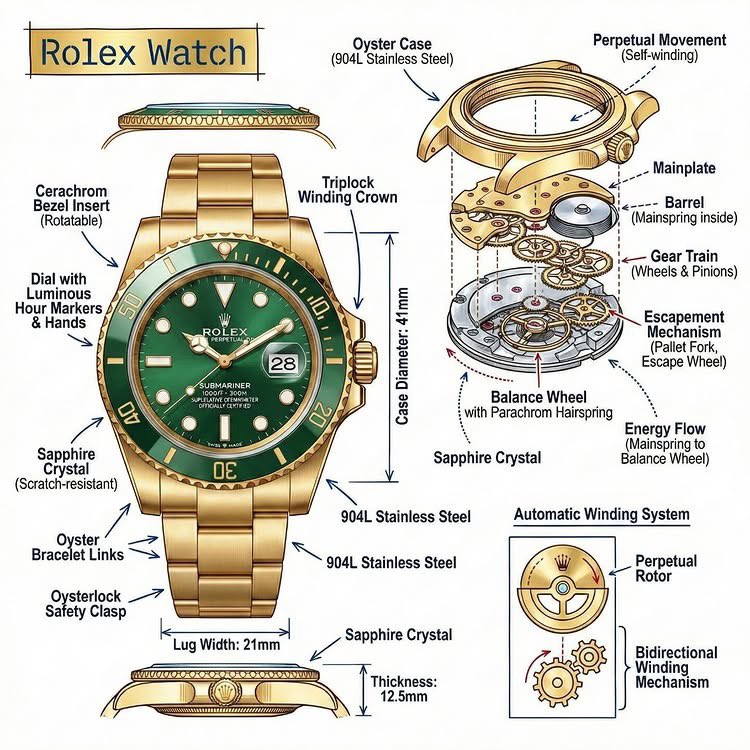
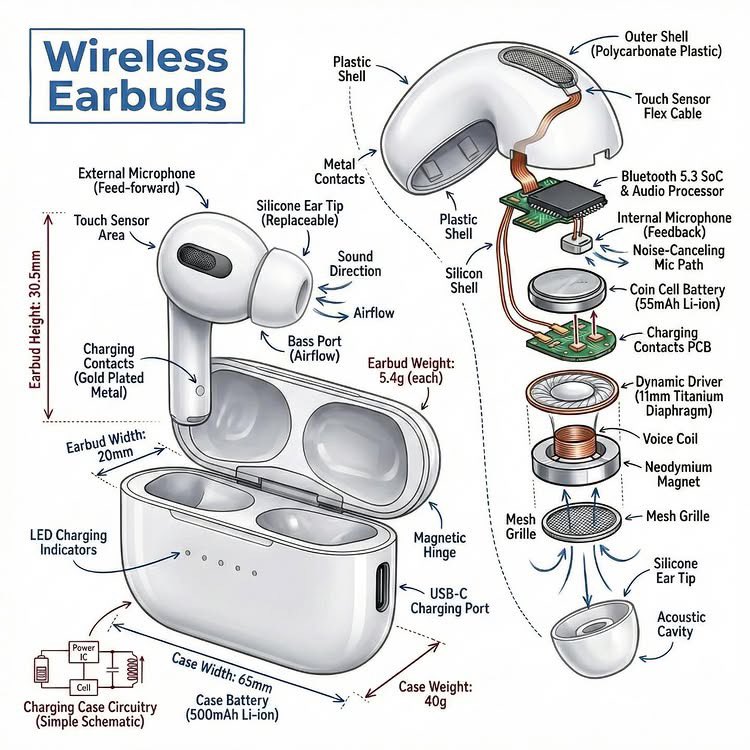
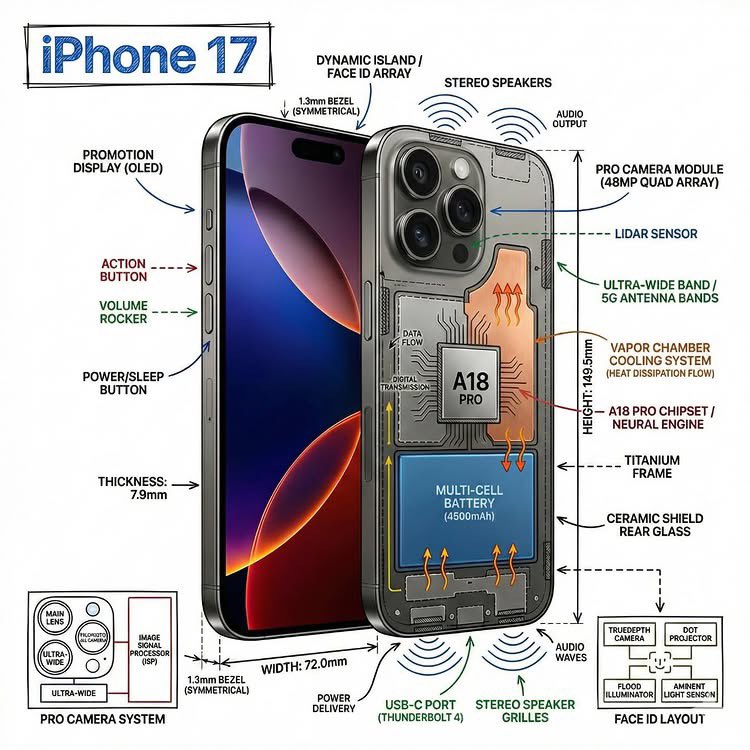
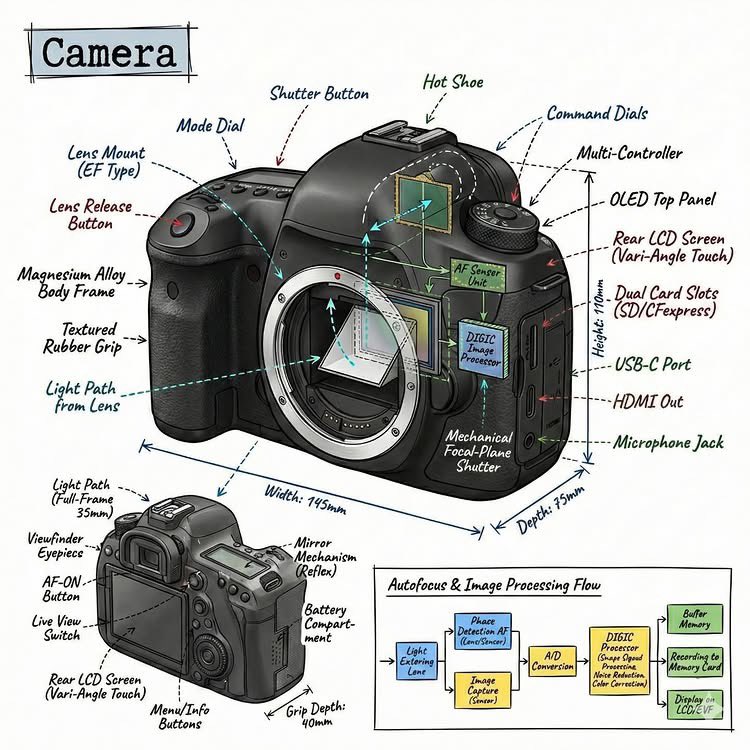
Create an infographic image of {argument name="object" default="[OBJECT]"}, combining a realistic photograph or photorealistic render of the object with technical annotation overlays placed directly on top.

Use black ink–style line drawings and text (technical pen / architectural sketch look) on a pure white studio background.

Include:
•Key component labels
•Internal cutaway or exploded-view outlines (where relevant)
•Measurements, dimensions, and scale markers
•Material callouts and quantities
•Arrows indicating function, force, or flow (air, sound, power, pressure, movement)
•Simple schematic or sectional diagrams where applicable

Place the title {argument name="object title" default="[OBJECT]"} inside a hand-drawn technical annotation box in one corner.

Style & layout rules:
•The real object remains clearly visible beneath the annotations
•Annotations look hand-sketched, technical, and architectural
•Clean composition with balanced negative space
•Educational, museum-exhibit / engineering-manual vibe

Visual style:
Minimal technical illustration aesthetic.
Black linework layered over realistic imagery.
Precise but slightly hand-drawn feel.

Color palette:
Pure white background.
Black annotation lines and text only.
No colors.

Output:
1080 × 1080 resolution
Ultra-crisp
Social-feed optimized
No watermark
提示词
Technical Infographic Overlay on a Photorealistic Object
A prompt template for generating an infographic image that combines a photorealistic render of an object with technical annotation overlays. It specifies black ink-style line drawings, key component labels, measurements, and schematic diagrams on a pure white background, creating an educational, engineering-manual aesthetic.
Infographic / Edu Visualnano-banana-pro
模型
使用这个提示词生成
使用下方生成器,基于这个提示词继续改写并生成内容。
提交后生成记录会显示在这里