提示词
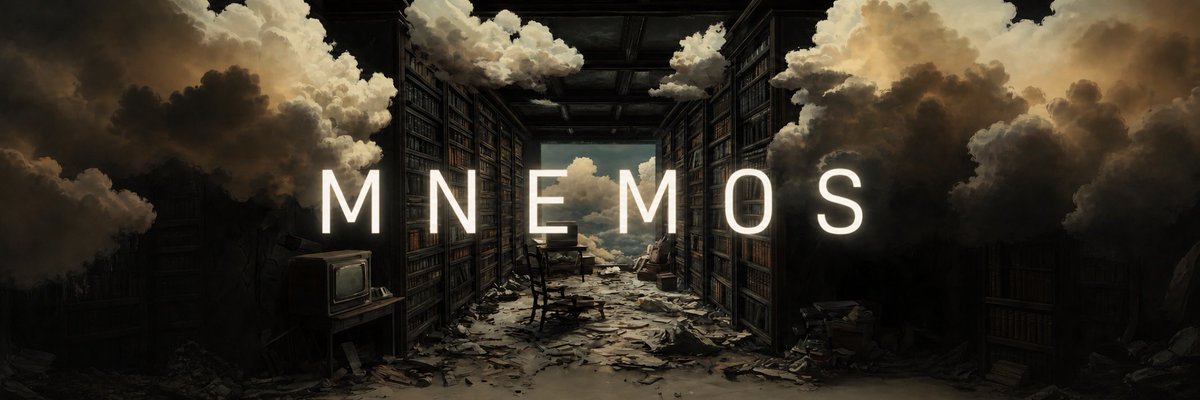
Using REFERENCE_0 as the base artwork, expand it into a wide cinematic banner while preserving the same surreal abandoned library scene, composition, mood, and painterly lighting. Add a single centered title across the middle: {argument name="headline text" default="MNEMOS"}. Set the text in a tall, clean, widely tracked all-caps sans-serif, bright warm white, sized large enough to span most of the frame width. Make the lettering feel integrated into the scene rather than pasted on: add a very subtle soft glow, a gentle shadow for readability, and a slightly dimmed outline or edge contrast so it sits naturally against the dark shelves and clouds. Keep the background untouched except for any minimal tonal balancing needed to improve text legibility and make the overall image look subtly more polished.提示词
Add Cinematic Centered Title Banner
This prompt turns a reference artwork into a polished widescreen hero banner by extending the canvas and adding a clean centered title for brand or project headers.
Product Marketinggpt-image-2
模型
使用这个提示词生成
使用下方生成器,基于这个提示词继续改写并生成内容。
提交后生成记录会显示在这里