프롬프트
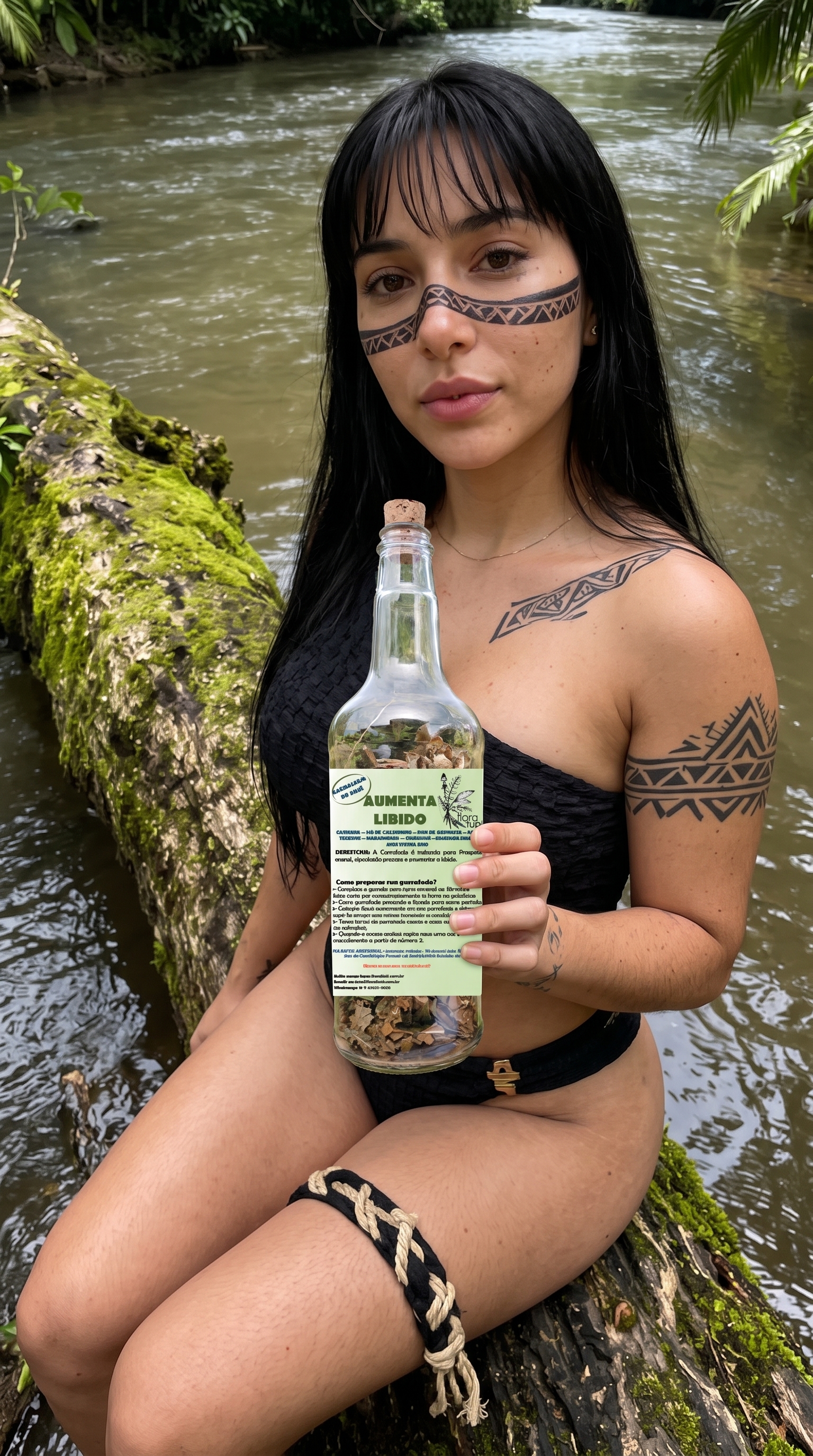
Use the provided image as the exact visual reference. Create a photorealistic cinematic image-to-video sequence, preserving the character, face, hairstyle, clothing, accessories, objects, environment, composition and overall visual identity. Add subtle, realistic movements: natural breathing, blinking, slight facial expression, gentle body movement and realistic interaction with the main object. Add natural environmental motion such as wind, flowing water, moving vegetation, changing light or atmospheric details when appropriate. Use smooth cinematic camera movement, subtle depth of field and realistic lighting. Keep the scene coherent and physically natural throughout. Preserve all important details from the reference image. No scene changes, no new characters, no distorted anatomy, no warped objects, no unnecessary movements, no changes to text or labels.
Sora 2 Pro Image to Video
설정
비슷한 것을 만들다
아래 생성기는 이 레코드에 사용될 모델을 미리 선택하므로 아이디어를 더 빠르게 리믹스할 수 있습니다.