프롬프트
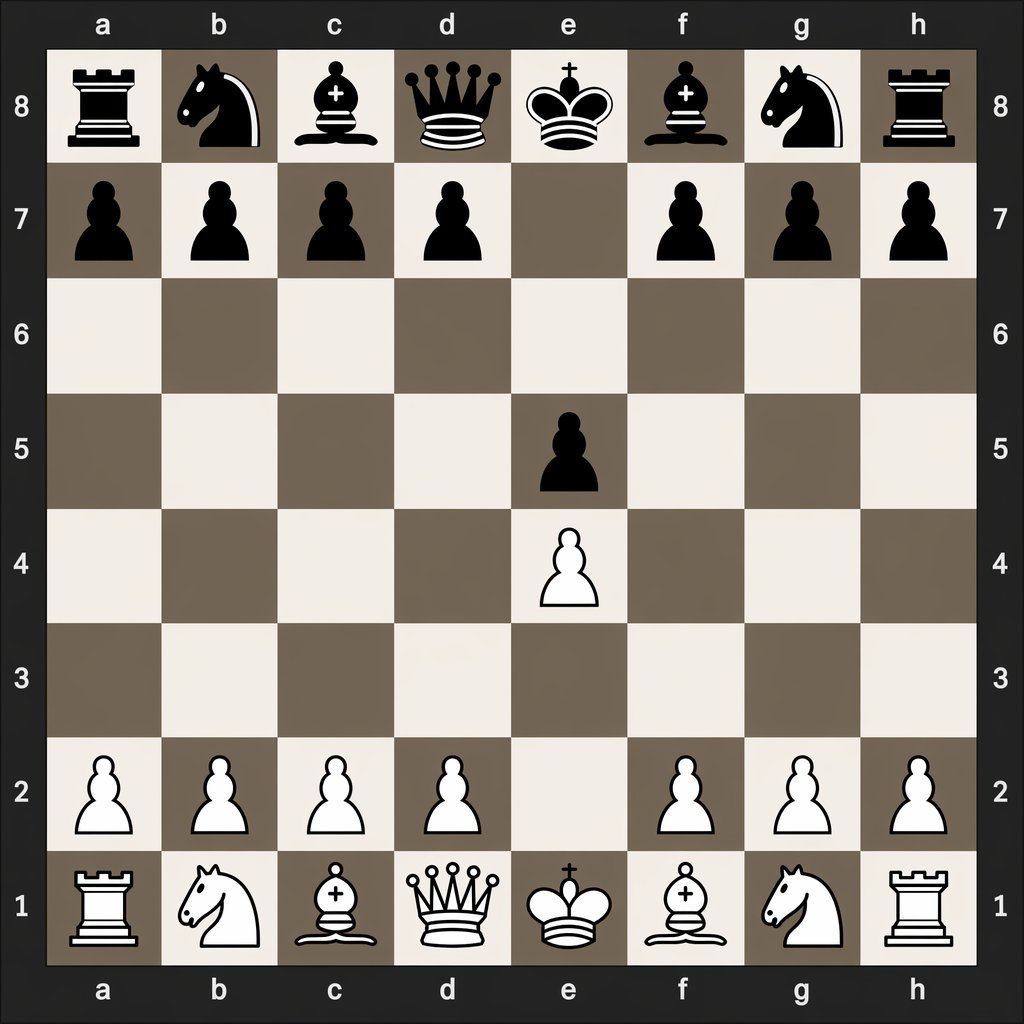
A clean, flat digital top-down chessboard centered in the frame, shown as a square 8x8 board with algebraic coordinates visible on all four sides: letters a through h along the top and bottom, and numbers 8 through 1 along the left and right. Use a dark charcoal outer background and border, with alternating light beige and muted taupe-gray squares. Render simple high-contrast 2D chess icons, black pieces at the top and white pieces at the bottom, in a crisp vector-like style with no wood texture, no realistic lighting, and no extra interface elements. Show the exact position after the opening moves 1. e4 e5: black major pieces on a8 rook, b8 knight, c8 bishop, d8 queen, e8 king, f8 bishop, g8 knight, h8 rook; black pawns on a7, b7, c7, d7, f7, g7, h7, and e5; white pawns on a2, b2, c2, d2, f2, g2, h2, and e4; white major pieces on a1 rook, b1 knight, c1 bishop, d1 queen, e1 king, f1 bishop, g1 knight, h1 rook. Leave all other squares empty. Keep the composition perfectly symmetrical, instructional, and legible, like a digital chess diagram illustrating opening move order.
프롬프트
Digital Chessboard After 1.e4 e5
This prompt generates a clean digital chess diagram showing the exact board position after the opening moves 1.e4 e5, useful for chess tutorials and move-notation comparisons.
Infographic / Edu Visualgpt-image-2
모델
이 프롬프트로 만들기
아래 생성기를 사용하여 이 프롬프트를 사용 가능한 모델 및 설정과 리믹스하세요.
제출한 후 여기에 새 작업이 표시됩니다.