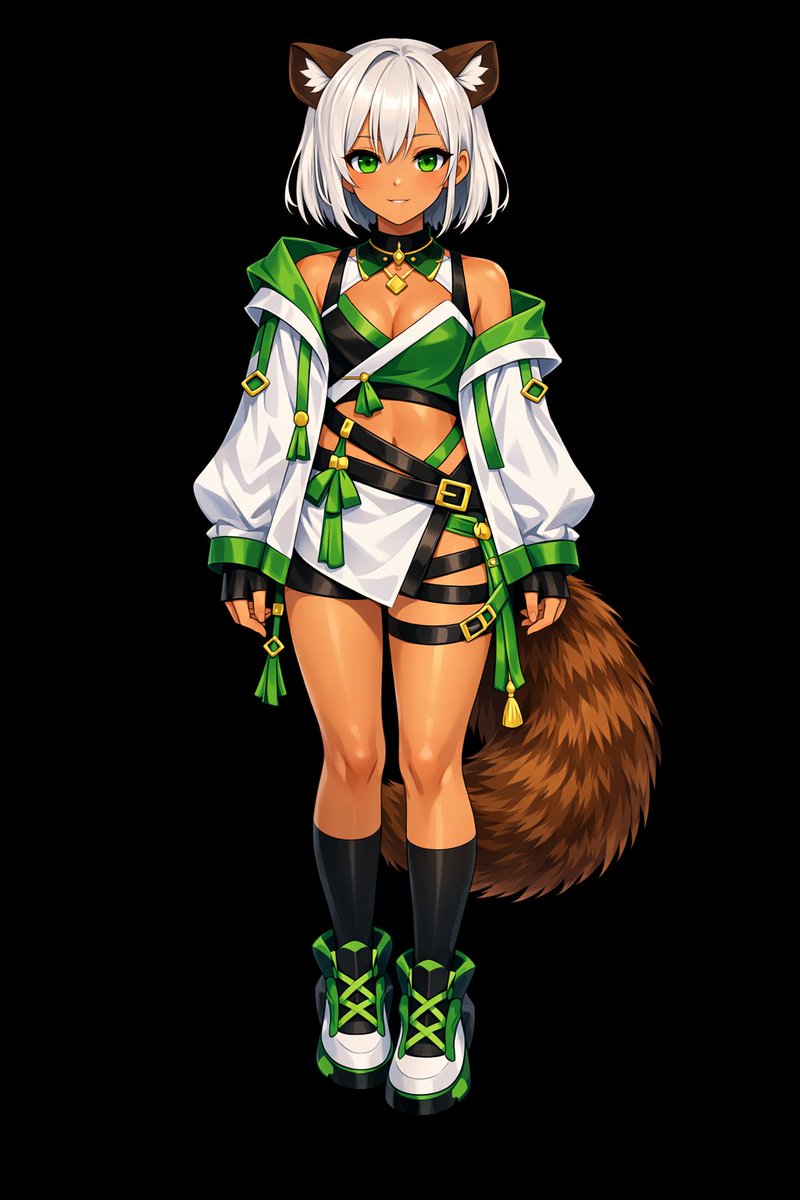
프롬프트
Using REFERENCE_0 as the base, transform the flat coloring into a {argument name="rendering style" default="highly detailed, glossy anime illustration style"}. Apply deep shading, dramatic lighting, and bright specular highlights, particularly on the character's skin, hair, and tail. Enhance the clothing folds and give metallic accents a realistic sheen. Change the background to {argument name="background color" default="solid black"}.프롬프트
Glossy Anime Shading Transformation
Transforms a flat-colored character reference into a highly rendered, glossy anime illustration with dramatic lighting and a solid background.
Product Marketinggpt-image-2
모델
이 프롬프트로 만들기
아래 생성기를 사용하여 이 프롬프트를 사용 가능한 모델 및 설정과 리믹스하세요.
제출한 후 여기에 새 작업이 표시됩니다.