Подсказка
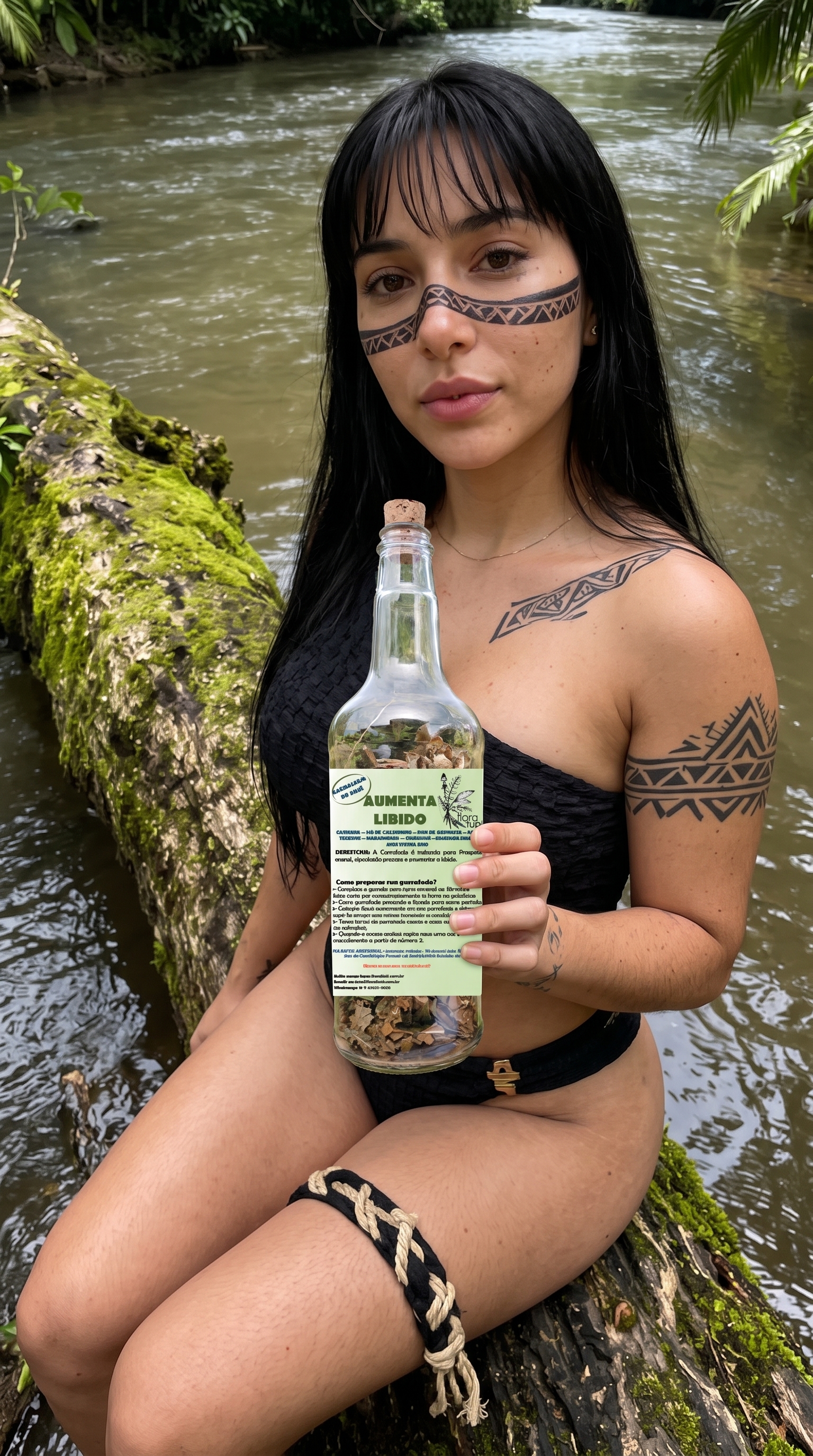
Use the provided image as the exact visual reference. Create a photorealistic cinematic image-to-video sequence, preserving the character, face, hairstyle, clothing, accessories, objects, environment, composition and overall visual identity. Add subtle, realistic movements: natural breathing, blinking, slight facial expression, gentle body movement and realistic interaction with the main object. Add natural environmental motion such as wind, flowing water, moving vegetation, changing light or atmospheric details when appropriate. Use smooth cinematic camera movement, subtle depth of field and realistic lighting. Keep the scene coherent and physically natural throughout. Preserve all important details from the reference image. No scene changes, no new characters, no distorted anatomy, no warped objects, no unnecessary movements, no changes to text or labels.
Sora 2 Pro Image to Video
Настройки
Создать что-то похожее
Ниже указанный генератор предварительно выбирает модель, используемую для этой записи, чтобы вы могли быстрее переработать идею.