Copyable prompt library

Grok Imagine prompts built to be reused

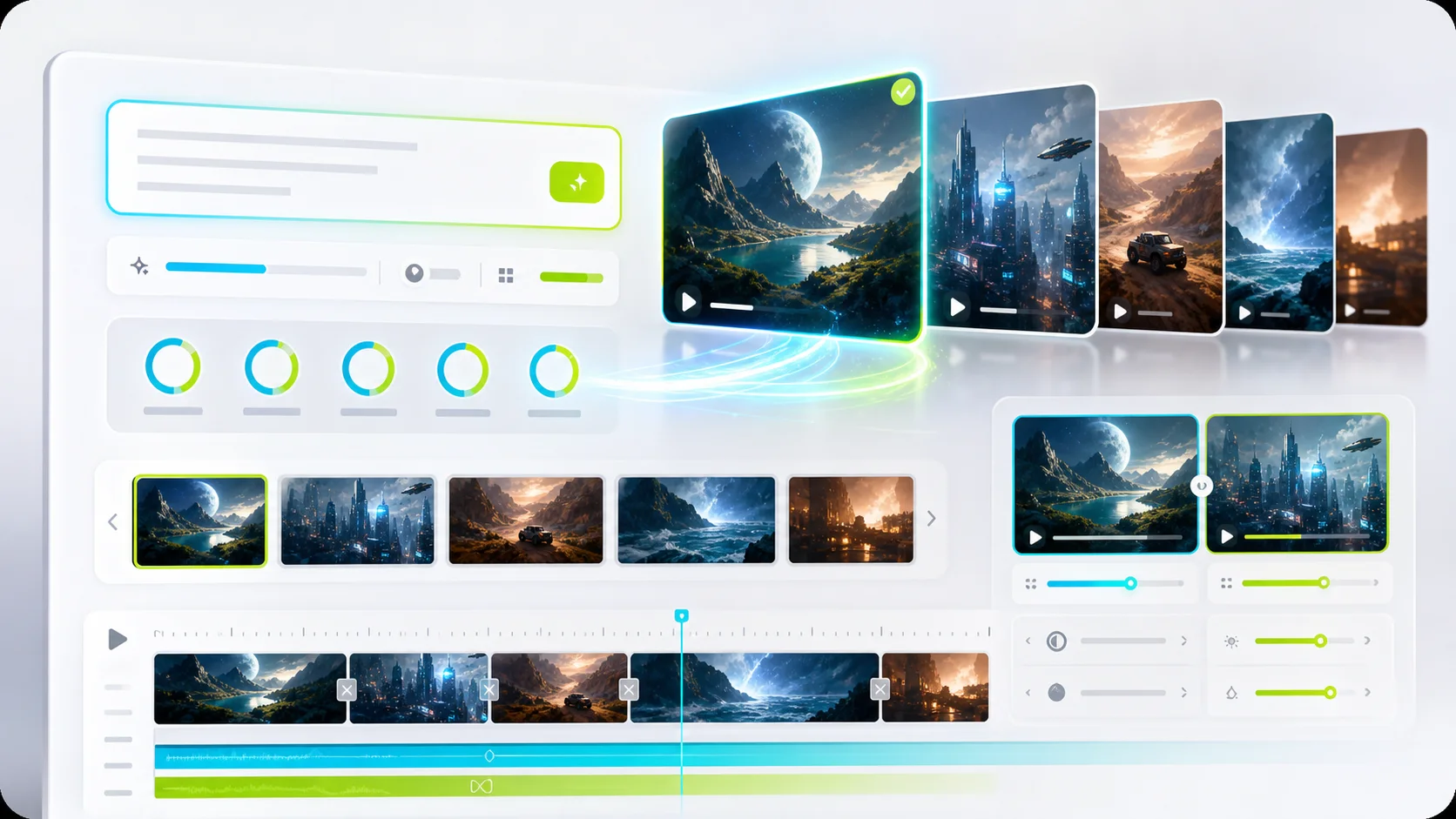
Filter practical image and video templates, copy any prompt, or open it directly in the working generator.

FSG AI is an independent product and is not affiliated with xAI or X Corp. Model availability, pricing, moderation, and provider rules may change.

Prompt writing workspace for Grok Imagine

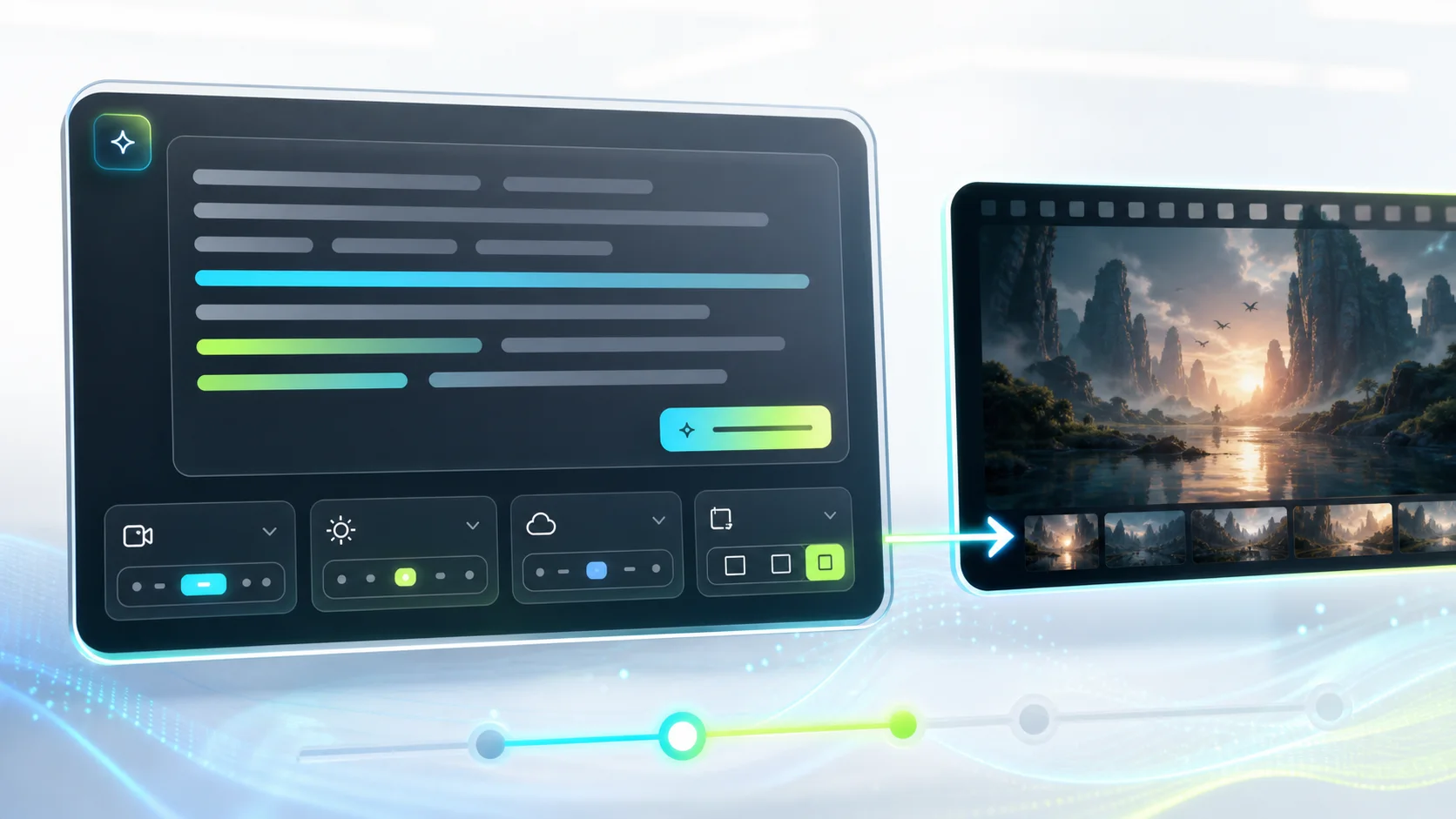
Start with a structured prompt

Each template names the subject, motion or composition, lighting, camera direction, style, and output intent.

Rainy city tracking shot
Cinematic

Rainy city tracking shot

A cinematic night tracking shot through a rain-soaked city street, reflections on dark pavement, one subject walking beneath a clear umbrella, slow forward camera movement, realistic lighting, restrained color palette, natural motion, 16:9.

Clean product orbit
Product

Clean product orbit

A premium product on a matte pedestal in a minimal studio, slow clockwise camera orbit, soft directional light, realistic material reflections, steady pacing, background remains clean, no text, 16:9.

Natural portrait motion
Portrait

Natural portrait motion

A close portrait in soft window light, subtle breathing and natural blinking, a gentle breeze moving loose hair, locked camera, realistic skin texture, calm expression, no facial distortion, shallow depth of field.

Vertical fashion reveal
Social

Vertical fashion reveal

A vertical 9:16 fashion reveal in a modern concrete space, subject turns toward camera as light sweeps across the outfit, slow push-in, clean background, confident motion, room for a caption in the upper safe area.

Food close-up
Product

Food close-up

Macro close-up of a freshly plated dish, gentle steam rising, small highlights moving across the sauce, slow camera slide from left to right, natural restaurant lighting, realistic texture, no hands entering frame.

Illustration parallax
Cinematic

Illustration parallax

Animate this illustration with layered parallax: foreground plants move slightly faster than the distant landscape, clouds drift slowly, camera pushes forward, preserve the original drawing style and color relationships.

Editorial portrait
Portrait

Editorial portrait

Editorial portrait of a creative director in a daylight studio, medium close-up, clean architectural background, soft side light, realistic skin texture, confident neutral expression, subtle film grain, muted blue and grey palette, 4:5.

Skincare campaign still
Product

Skincare campaign still

Studio product photograph of a translucent skincare bottle on brushed silver, cool daylight, crisp label area without invented text, realistic glass refraction, one soft shadow, minimal composition, commercial photography, 4:5.

Travel poster background
Social

Travel poster background

Bright coastal travel poster background with a wide open sky, clean geometric architecture, saturated cobalt water, sharp midday shadows, uncluttered upper third for real typography added later, 9:16.

Science fiction interior
Cinematic

Science fiction interior

Wide cinematic interior of a quiet research station, modular equipment, cool practical lighting, subtle atmospheric haze, one figure for scale, believable materials, restrained science fiction design, 16:9.

Character turn
Portrait

Character turn

The character slowly turns from profile to face the camera, natural eye movement and breathing, stable facial features, fixed medium close-up framing, soft studio light, preserve clothing details and background composition.

Seamless social loop
Social

Seamless social loop

A five-second seamless loop of colorful paper forms folding and unfolding on a clean surface, top-down camera, consistent lighting, smooth motion, first and last frame align, vertical 9:16, no text.

Grok Imagine prompt questions

What makes a strong Grok Imagine prompt?

Name the subject, action, camera behavior, lighting, setting, visual style, aspect ratio, and any details that must stay unchanged.

Can I use these prompts with images?

Yes. For image-to-video, keep the motion and camera instructions, then remove visual details already defined by the source image.

What does the Use prompt button do?

It saves the selected prompt and matching Grok image or video mode, then opens the generator with that setup ready to edit.

Should I include negative instructions?

Use a dedicated negative prompt field when the selected model provides one. Otherwise state a short, concrete constraint in the main prompt.