
Veo Video Studio
Build with official Veo 3.1 models, get taskId instantly, and auto-poll results with refund on failed jobs.
Veo 3.1 Video Generation
Supports text-to-video, first/last frame transitions, and reference image generation with automatic task polling.
Disable to keep private (VIP required)
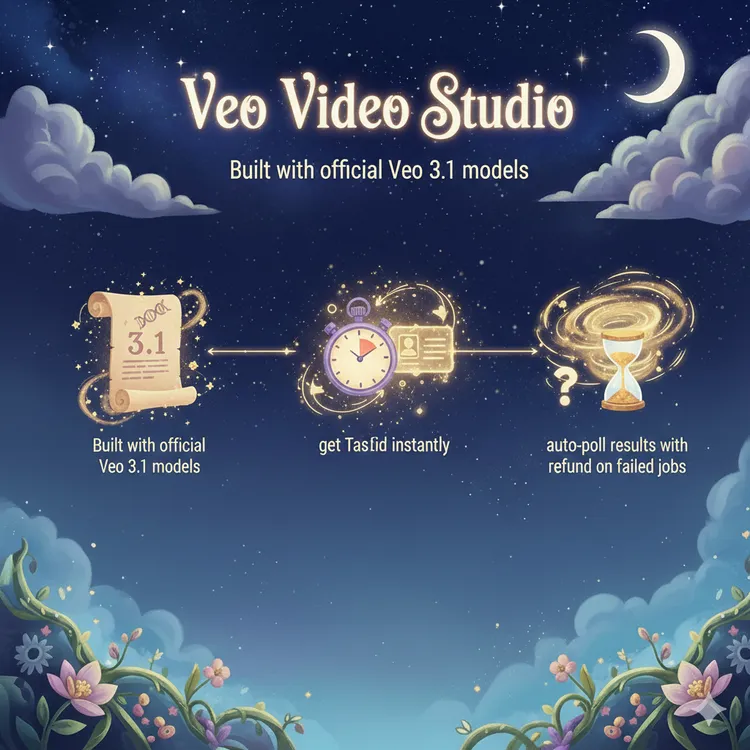
Built For Veo Workflows
One unified entry from quick experiments to high-quality production with Veo 3.1.
- Mode By Model CapabilityUnsupported modes are disabled automatically to prevent invalid payloads.
- Upload And PersistFrame/reference images are uploaded and stored with task metadata.
- Unified Task HistoryTasks are persisted to history for replay, review, and reuse.
Why Use /veo
No manual payload plumbing. The page handles parameter constraints and task lifecycle.
Automatic Validation
Mutual-exclusion and dependency rules are enforced before submit.
Refund On Failure
Failed tasks are synchronized and credits are refunded automatically.
End-To-End Visibility
You can track taskId, progress, and result URLs in one place.
Production Download
Copy direct URLs or download instantly for downstream publishing.
Private Video Support
VIP users can disable public showcase for private projects.
How To Use Veo
Three steps from idea to delivery: model selection, payload setup, and auto-polling result.
Choose Model And Mode
Select a Veo model, then choose text, first-last frame, or reference mode.
Compose Prompt And Inputs
Write prompt, upload frames/images, and let validation handle constraints.
Poll And Download
Task status is polled automatically, then you can preview, copy URL, and download.
Feature Overview
Frontend form, backend task creation, and polling are fully connected.
Model-Aware Form
Frame/reference options open dynamically by selected model.
Unified Task API
Create tasks via /api/v1/video/veo and persist generation history.
Shared Polling Flow
Reuse /api/video-generations/check-result for task tracking.
Failure Compensation
Auto-refund with explicit front-end feedback on credit return.
SEO + Sitemap
Canonical, OpenGraph metadata, and sitemap route are configured.
Documentation Included
docs/veo.md covers payload, errors, and cURL examples.
Frequently Asked Questions
Common clarifications on Veo models, modes, and billing.
Which models support first/last frame?
Only veo3.1-fast and veo3.1-pro currently support first/last frame input.
What are the reference image limits?
Only veo3.1-fast supports it, up to 3 images, and it cannot be combined with first/last frame.
Are credits refunded on failure?
Yes. Failed tasks trigger automatic credit refund with UI feedback.
Where can I find my history?
Check task cards on the page or open /history for the full list.
Do you support private videos?
Yes. Turning off public visibility requires VIP.
Can I call this by API directly?
Yes, use POST /api/v1/video/veo. See docs/veo.md for payload details.
Start Building With Veo 3.1
Jump to the generator, submit a task, and get downloadable results in minutes.
Veo Model Pricing
Credits required per generation for each Veo 3.1 model.
| Model | Credits |
|---|---|
| Veo 3.1 Pro | 80 |
| Veo 3.1 Fast 1080p | 32 |
| Veo 3.1 Fast 4K | 48 |
| Veo 3.1 Fast | 24 |
| Veo 3.1 Pro 1080p | 100 |
| Veo 3.1 Pro 4K | 140 |