
Sora 2 Pro Studio: text, image, and storyboard workflows
POST to /api/v1/video/sora-pro with a model and inputs, get a taskId, and poll for results. Supports portrait/landscape, 10/15/25s, and Pro quality tiers.
Sora 2 Pro generator
Generate Sora 2 and Sora 2 Pro tasks with text, image, or storyboard inputs.
Model is temporarily unavailable
Disable to keep original watermark.
Public videos can be viewed by other users
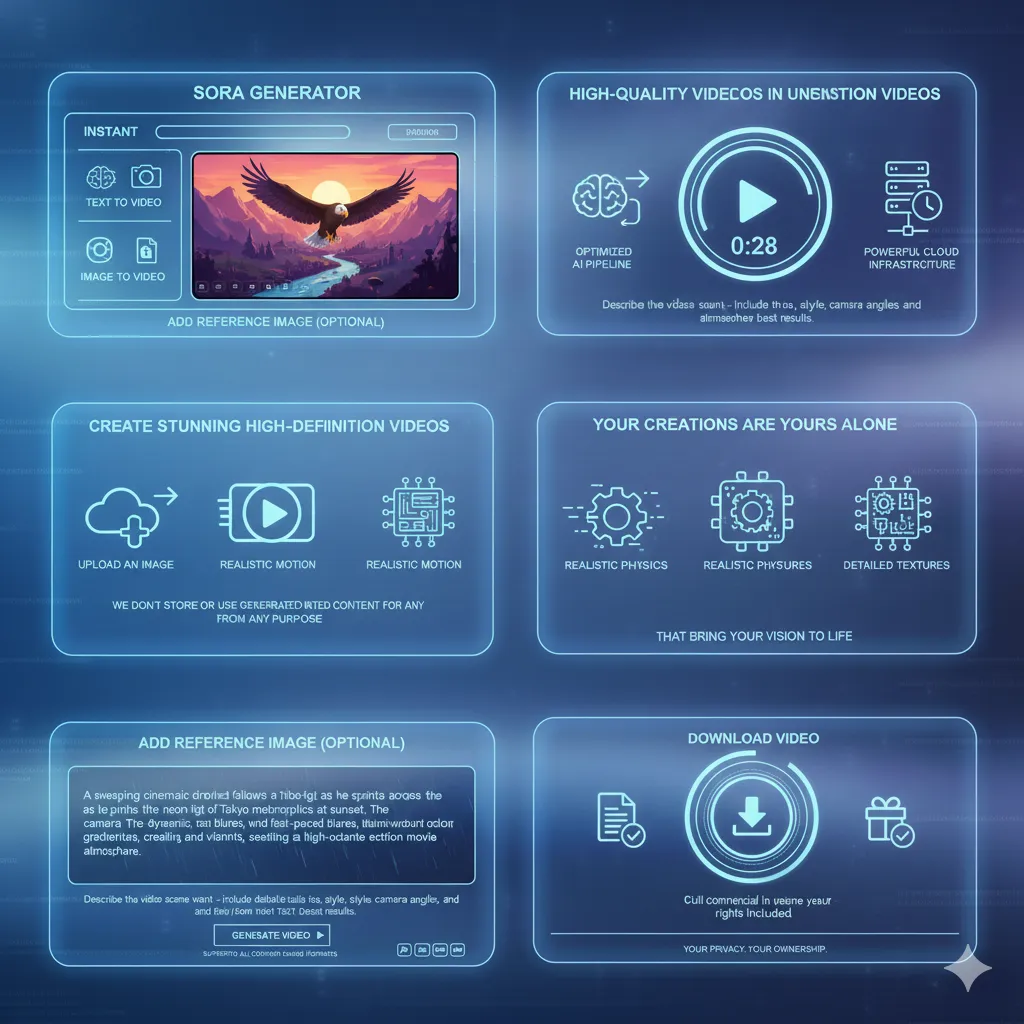
Built around the Sora 2 Pro workflow
Same two-step flow: create a task, then query status.
- Create taskSend model and input payloads to /api/v1/video/sora-pro.
- Query statusUse taskId with /api/video-generations/check-result to get progress and URLs.
- Reuse inputsKeep prompts, image URLs, and storyboard shots ready for fast reruns.
Why teams choose the Sora 2 Pro API
Structured inputs, clear defaults, and predictable credits.
Unified request schema
One endpoint handles text-to-video, image-to-video, and storyboard.
Parameter guardrails
Server validates aspect_ratio, n_frames, size, and shots before billing.
Image handling built in
Send base64 imageData or imageUrl; uploads are stored and reused.
Storyboard ready
Shots array with Scene and duration lets you sequence shots precisely.
Credits-aware flow
Credits are calculated per model/frames/size and refunded on failures.
3-step request flow
Follow the API flow: create → poll → deliver.
Pick model + input type
Prompt for text, imageData/imageUrl for image models, shots for storyboard.
Set generation params
Choose aspect_ratio, n_frames, and (for Pro) size and remove_watermark.
Submit and poll
POST to /api/v1/video/sora-pro, then poll taskId for results.
Supported request fields
Aligned with the Sora 2 Pro API documentation.
Prompt or shots
Prompt required except storyboard; storyboard uses shots instead.
Task status
Use taskId to track progress and read result URLs.
aspect_ratio
portrait or landscape, default landscape.
n_frames + size
10/15/25s with standard/high sizes for Pro models.
remove_watermark
Toggle watermark removal for non-storyboard models.
Image validation
Image-to-video requires an image; file size capped at 10MB.
Sora 2 Pro API FAQs
Quick answers for common API questions.
Which models are available?
All five are supported: sora-2-text-to-video, sora-2-image-to-video, sora-2-pro-text-to-video, sora-2-pro-image-to-video, sora-2-pro-storyboard.
Which durations can I request?
Most models allow 10s or 15s via n_frames. Storyboard also supports 25s. Defaults are applied if omitted.
What aspect_ratio values are supported?
Use portrait or landscape. The default is landscape.
When is prompt required?
Prompt is required for text/image models. Storyboard uses shots instead; prompt is optional notes only.
How are credits calculated?
Credits depend on model and n_frames. Sora 2 and Stable cost 100/150 for 10s/15s; Pro costs 375/675 for 10s/15s; storyboard costs 375/675/875 for 10s/15s/25s.
How do storyboard shots work?
shots is an array of '{ Scene, duration }' with positive seconds. It is required for sora-2-pro-storyboard.
Start a Sora 2 Pro task
Submit a request and get a taskId in seconds.