
Sora 2 Web: create cinematic AI videos online
Generate Sora 2 clips with streaming progress, ready-made aspect ratios, and workflow guardrails - all in a single web workspace.
Sora 2 Pro generator
Generate Sora 2 and Sora 2 Pro tasks with text, image, or storyboard inputs.
Model is temporarily unavailable
Disable to keep original watermark.
Public videos can be viewed by other users
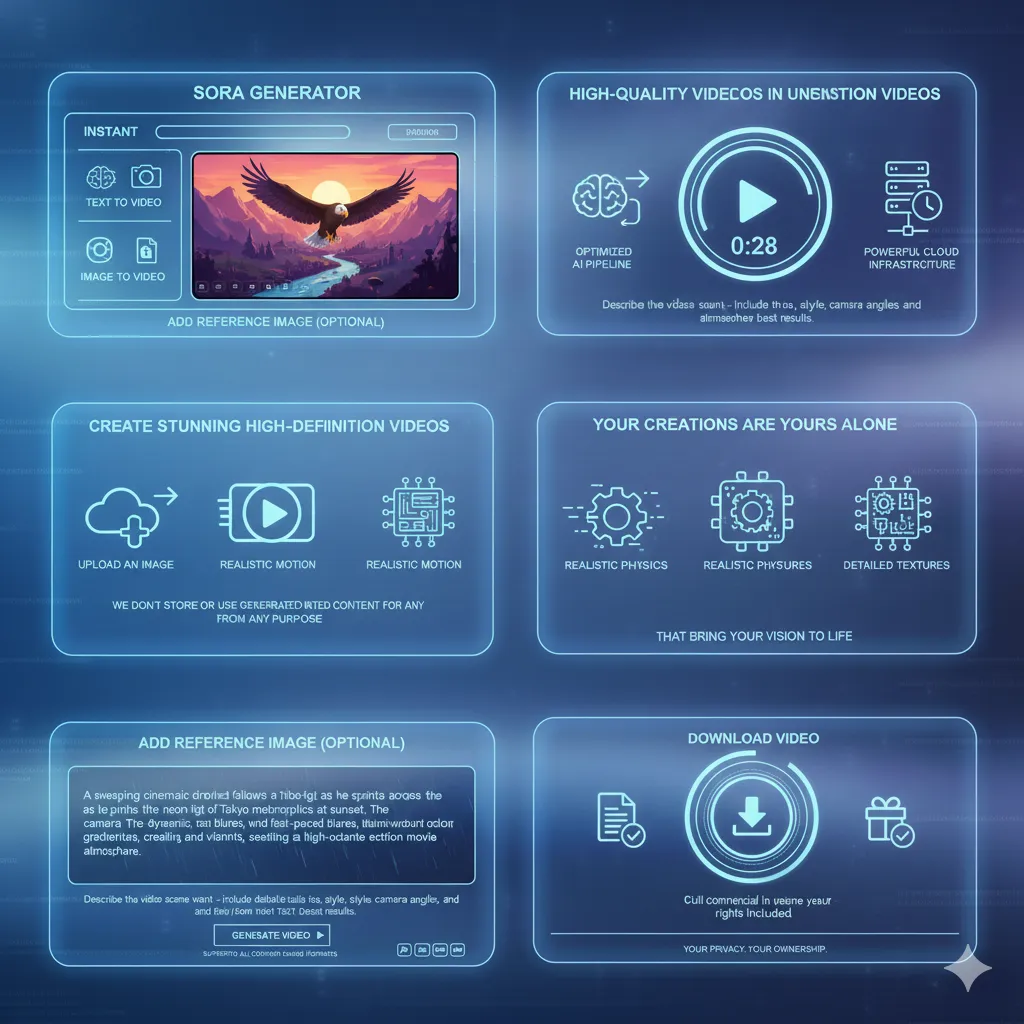
Designed for teams shipping Sora 2 on the web
Skip boilerplate and ship creative results faster with sensible defaults.
- Launch in secondsZero installation or environment juggling—open the studio and start generating.
- Creative controlAdjust prompt, aspect ratio, and visibility with explicit toggles before you spend credits.
- Reusable librarySave your best prompts and reuse them across campaigns and languages.
Why teams choose Sora 2 Web
A browser workspace tuned for day-to-day video delivery.
Instant access
Use Sora 2 anywhere with authenticated browser sessions and secure credit tracking.
Precise framing
Choose 9:16 or 16:9 outputs to match TikTok, Reels, Shorts, and widescreen placements.
Share-ready links
Copy streaming URLs or send webhook payloads to downstream tools without downloading.
Guided guardrails
Built-in tips, validation, and refund-on-fail policies keep runs predictable.
How to ship a Sora 2 Web video
Stay inside the browser from idea to delivery.
Pick a model & aspect ratio
Choose Sora 2 or Sora 2 Pro (for VIP users) and set 9:16 or 16:9 before writing the script.
Write or paste your prompt
Use the starter prompt or paste your own, then toggle image-to-video if you want extra guidance.
Generate & share
Start the run, watch the streamed status, and copy the final link or webhook response for your workflow.
Built-in features for Sora 2 Web
Everything you need to move from prompt to published clip without extra tools.
Bilingual prompt helper
English and Chinese prompts work side by side so teams can iterate together.
Streaming feedback
Server-sent events update status and progress live, reducing guesswork.
Aspect ratio presets
Switch between 9:16 and 16:9 with one click; defaults align to mobile or desktop feeds.
Webhook-ready
Optional webhook field lets you pipe completions to CMS or DAM systems.
Pro-capable runtime
VIP users can target Sora 2 Pro for longer, sharper renders when the story needs it.
Built-in guardrails
Validation for prompts, file size, and credit usage prevents wasted runs.
Frequently asked about Sora 2 Web
Answers for teams getting started with browser-based Sora generation.
Do I need to install anything?
No. Sora 2 Web runs fully in the browser; sign in and start generating with your account credits.
How long can clips be?
Standard Sora 2 runs produce around 10s videos; Sora 2 Pro (VIP) can reach about 15s.
Which aspect ratios are supported?
Choose 9:16 for vertical social formats or 16:9 for widescreen without changing your prompt.
Who owns the output?
Videos you generate stay in your account; reuse them across campaigns in line with your plan and platform policies.
How are credits spent and refunded?
Each Sora 2 request consumes credits; failed runs are automatically refunded so you can retry safely.
Launch your next Sora 2 Web video
Stay in the browser, iterate fast, and share cinematic clips in minutes.